Steps to update a site license to v2025.1
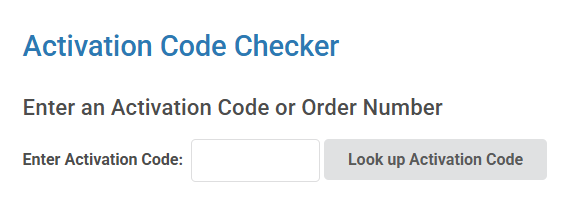
- Enter the activation code at https://designbuilder.co.uk/admin/manage-activation-codes
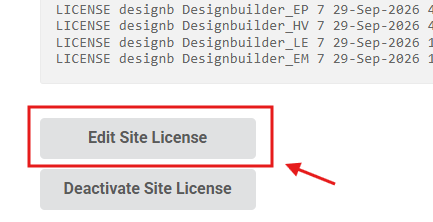
- With the DesignBuilder VPN on , click at the Edit Site License option
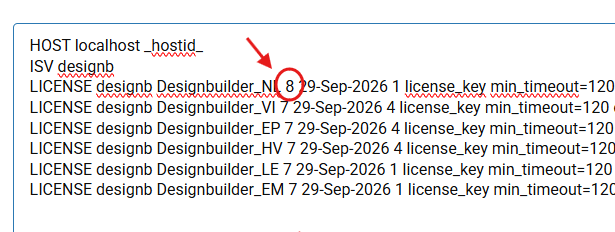
- Change the module number from 7 to 8 on each line:
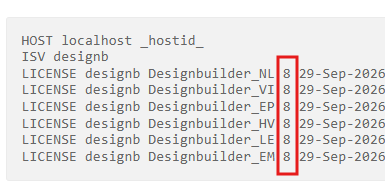
The result should look like this:
5. Press Submit to save the changes
6. Generate the new lic file using the same server settings
- Open the page https://designbuilder.co.uk/license/activate_site.php
- copy the server details to each field
- press Deactivate to release the code
- and on the page, press Activate
- Download the license file
- Confirm that the v8 change has been applied and the license file hostID is valid
7. Send the v2025.1 lic to the customer with the Canned response "Send v2025.1 lic file for server"
Was this article helpful?
That’s Great!
Thank you for your feedback
Sorry! We couldn't be helpful
Thank you for your feedback
Feedback sent
We appreciate your effort and will try to fix the article